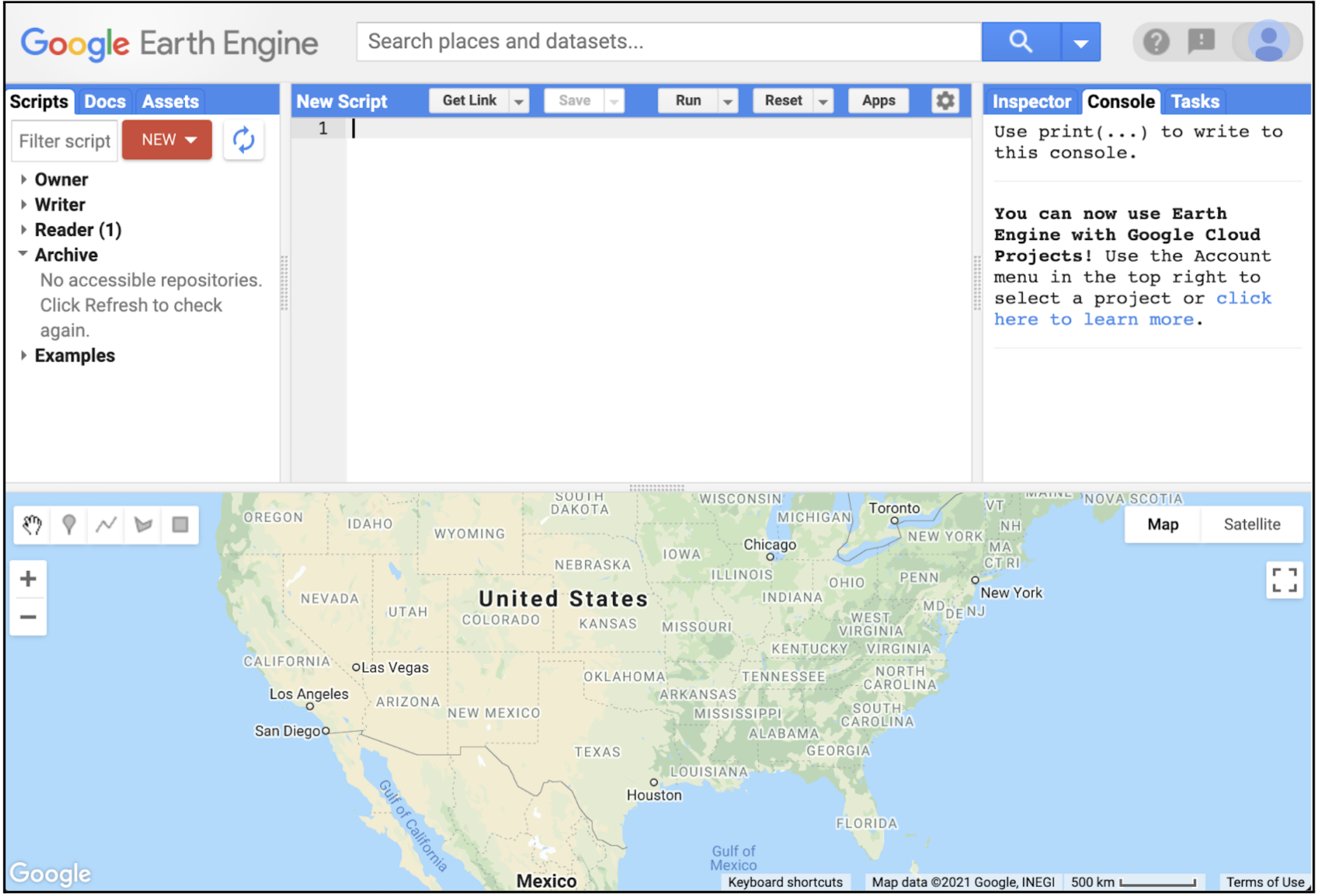
Let's start our programming journey. JavaScript is the language of the Earth Engine Code Editor. We will use it to describe data, call API functions, and visualize results. You do not need to be a JavaScript specialist; we need just enough syntax to read, tweak, and write short scripts.
Learning objectives
- Describe what JavaScript is and why the course starts with it.
- Recognize basic syntax for variables, strings, numbers, and comments.
- Run a short script in the Code Editor to print and map something.
- Know where to go next for lists, objects, functions, and client vs server.
Why it matters
The Code Editor uses JavaScript for instant feedback, sharing, and UI tools. Learning a small set of patterns lets you focus on remote sensing questions instead of setup.
Quick win: first script
Paste into the Code Editor and click Run:
// Hello Earth Engine
var pt = ee.Geometry.Point([-82.3248, 29.6516]); // Gainesville, FL
Map.centerObject(pt, 9);
Map.addLayer(pt, {color: 'orange'}, 'My point');
print('A friendly hello from Earth Engine');
What we should see
An orange point on the map centered on Florida and a console message greeting you.
Key vocabulary
- Variable
- A named container for data (for example,
var city = 'Gainesville';). - String
- Text data inside quotes (single or double).
- Number
- Numeric data without quotes (integers or decimals).
- Comment
- Notes for humans, ignored by the computer (
// single lineor/* block */).
Basic syntax patterns to remember
- Declare once, reuse often:
var roi = ...then passroito filters and reducers. - Semicolons: Optional in JavaScript, but using them keeps scripts tidy.
- Case-sensitive:
Mapis different frommap;ndviis different fromNDVI. - Use
print()to inspect: It sends requests to the server and returns results in the console.
Try it: small tweaks, fast feedback
Change the point coordinates to your hometown and re-run.
Swap the color to 'green' and zoom to 12.
Add a label by printing a sentence that includes your city name.
Common mistakes
- Forgetting quotes around text:
var city = Gainesville;will error. - Using curly quotes from word processors instead of plain quotes.
- Mixing client-only objects with server objects (covered in Client vs Server).
Quick self-check
- What happens if you remove the quotes around a string-
- How do you add a comment in JavaScript-
- Why is JavaScript the default language in the Earth Engine Code Editor-
Where to go next
- Variables: storing and naming data
- Lists and Objects: organizing data
- Functions: reusable logic
- Client vs Server: the most important Earth Engine distinction
Going Deeper: EEFA Book
This module gives us the foundation. To explore further, see Chapter F1.0 (JavaScript and the Earth Engine API) in the Cloud-Based Remote Sensing with Google Earth Engine (EEFA Book).