The Data Catalog is your library of datasets in Earth Engine: imagery, climate, elevation, land cover, and more. Knowing how to read catalog pages lets you pick the right data and use it correctly.
Learning objectives
- Find datasets in the catalog and grab their IDs.
- Read metadata: bands, resolution, temporal coverage, and providers.
- Copy and run sample code from a catalog page.
- Decide if a dataset fits your question (resolution, dates, cloudiness).
Why it matters
The right dataset saves hours of preprocessing. Metadata tells you band names, scale, date range, and usage notes-critical for accurate analysis.
Find and read a dataset page
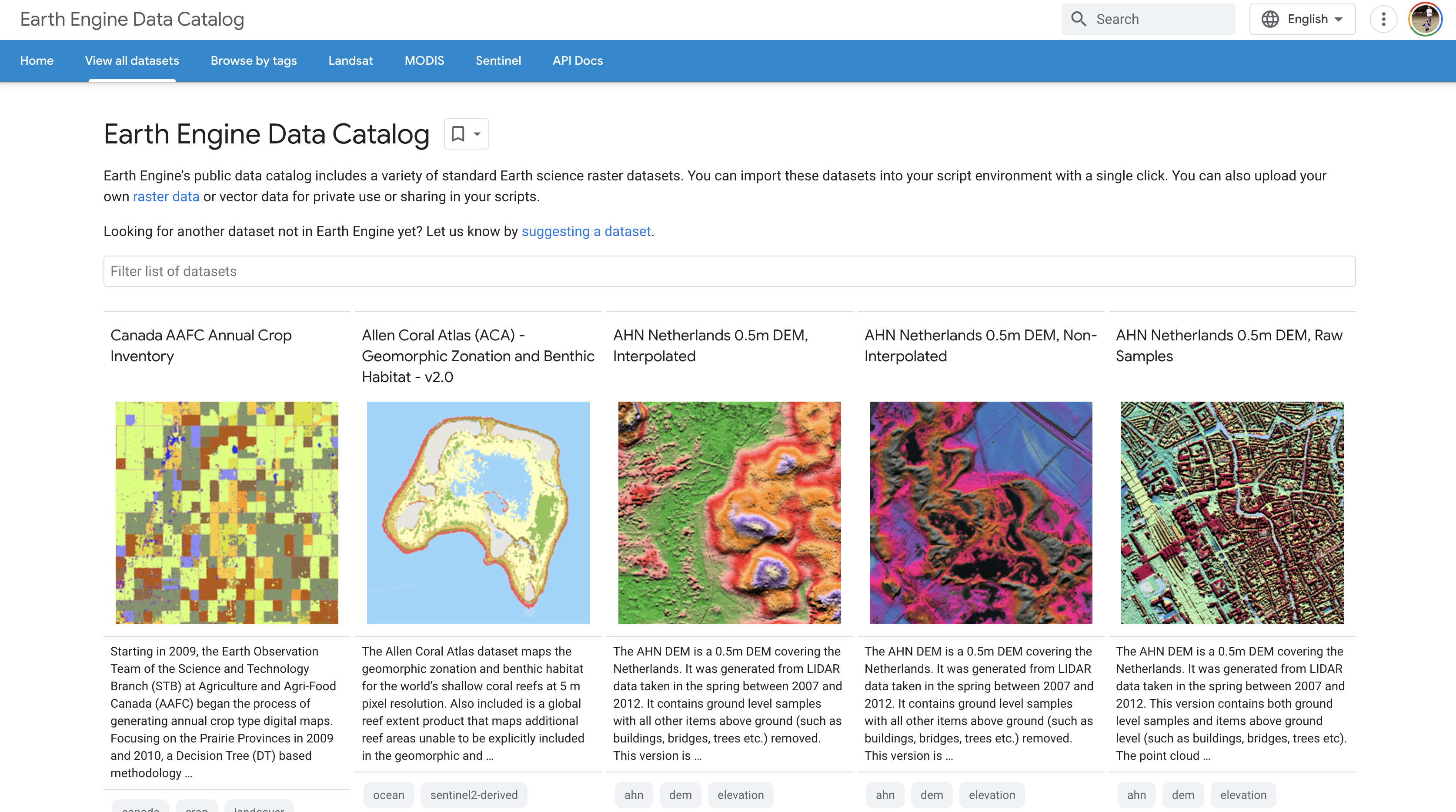
- Go to EE Data Catalog.
- Search for "LANDSAT/LC08/C02/T1_L2" or "COPERNICUS/S2_SR".
- Open the dataset page and note: Dataset ID, bands, resolution, temporal coverage, sample code.
Use the sample code
// Example: Landsat 8 Surface Reflectance from catalog sample
var col = ee.ImageCollection('LANDSAT/LC08/C02/T1_L2')
  .filterDate('2023-06-01', '2023-06-15')
  .filterBounds(ee.Geometry.Point([-82.3, 29.6]))
  .first()
  .multiply(0.0000275).add(-0.2); // apply scale/offset

Map.centerObject(col, 9);
Map.addLayer(col, {bands: ['SR_B4', 'SR_B3', 'SR_B2'], min: 0.02, max: 0.3}, 'True color');
What we should see
A true-color Landsat scene centered on your AOI.
Key concepts to check on a dataset page
- Dataset ID: string for
ee.Image()oree.ImageCollection(). - Bands: names, wavelengths, and scale/offset notes.
- Spatial resolution: pixel size; match to our analysis scale.
- Temporal coverage: available date range.
- Sample code: fastest starting point-copy or open in Code Editor.
Try it: find a dataset and run it
Search for "SRTM" in the catalog, copy the sample code, run it, and center on your hometown.
Find Sentinel-2 SR, note NIR and red band names, and run the sample visualization.
Common mistakes
- Using the wrong band names because you skipped the Bands tab.
- Ignoring scale/offset instructions on surface reflectance products.
- Choosing data with temporal coverage that does not include your study period.
Quick self-check
- Where do you find the Dataset ID?
- What metadata tells you the pixel size?
- How do you open sample code directly in the Code Editor?
Next steps
- Bookmark 3 datasets you will use this term (imagery, climate, elevation).
- Test sample code for each and adjust AOI and dates.
- Add notes on band names and scale/offset to your project README.
Going Deeper: EEFA Book
This module gives us the foundation. To explore further, see Chapter F1.1 (Exploring Image Collections) in the Cloud-Based Remote Sensing with Google Earth Engine (EEFA Book).