Sessions
10:00 - 12:00
Georeferencing Lecture
Aligning geographic data to a known coordinate system.
15:00 - 16:00
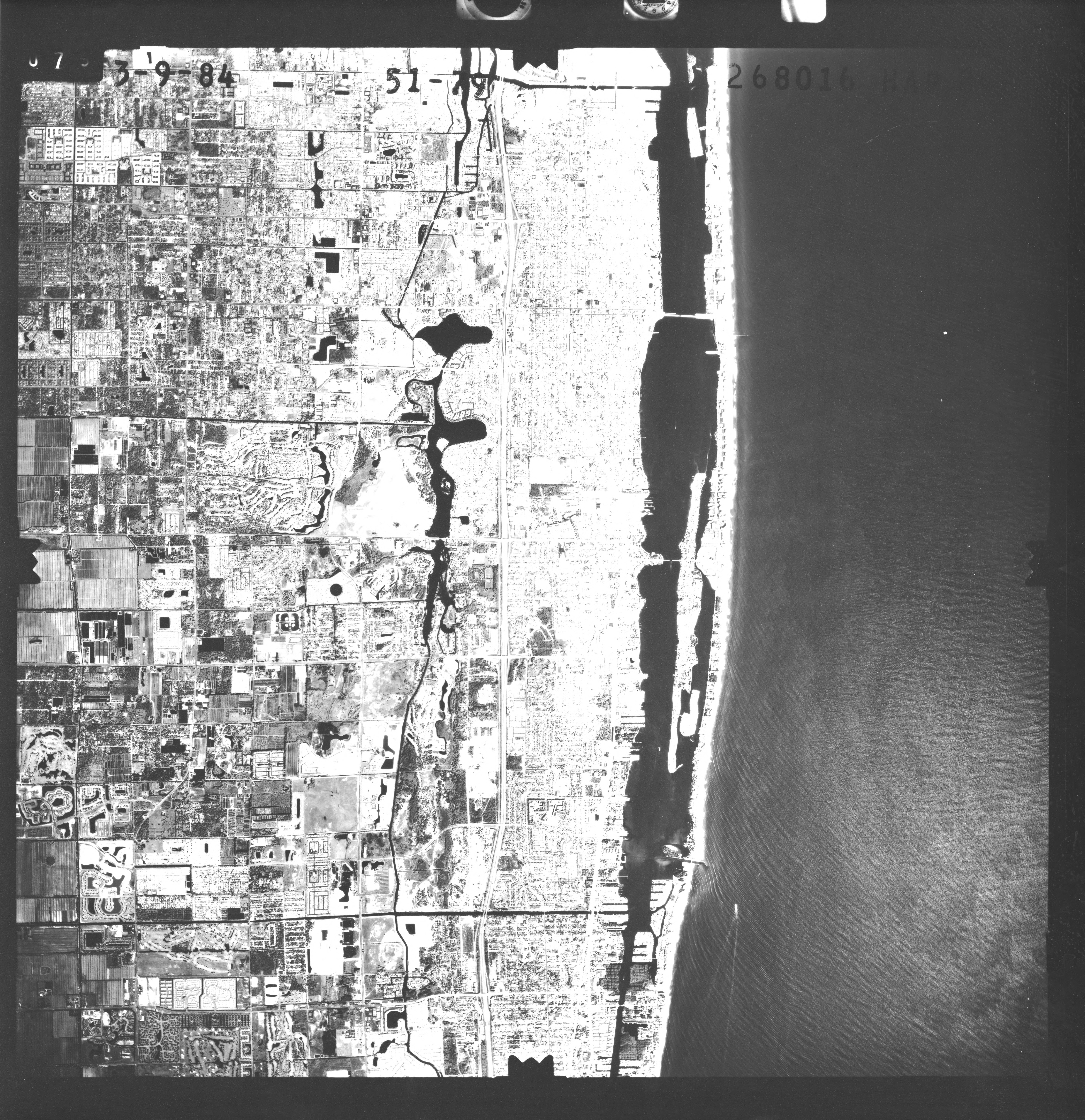
Georeferencing Workshop
Practical session on rectified images and GCPs.
QGIS Directions: 1. Open QGIS > Layer > Georeferencer. 2. Open Raster. 3. Add Point. 4. Enter X, Y coordinates or click map. 5. Settings: Polynomial 1, Nearest Neighbor, EPSG:4326. 6. Start Georeferencing.
📚 Required Readings
Coordinate Reference Systems
Understanding datums, projections, and CRS transformations.
📖 GIS eBook - Chapter 7
Georeferencing Techniques
Ground control points, transformation methods, and accuracy assessment.
📖 GIS eBook - Chapter 8Assessment
Final Exam Prep
This topic will be included in the final examination.
Assessed