Interactive Workshop
Place-Based Storytelling Made Easy
ArcGIS StoryMaps allows you to transform complex data into immersive narratives that resonate. Whether informing the public, updating stakeholders, or inspiring action, your story starts here.

Workshop Modules
Complete each module in order to master StoryMaps from setup to publishing your own project.
Account Setup
Create your free ESRI Public Account and explore the dashboard resources.
Start Module →Platform Tour
Master blocks, Express Maps, Sidecars, Map Tours, and Map Actions.
Start Module →Hands-On Lab
Build your first StoryMap with themes, chapters, maps, and media.
Start Module →Final Challenge
Create a portfolio-ready StoryMap with immersive elements for your project.
Start Challenge →Geography Through Storytelling
StoryMaps transforms how we understand, communicate, and explore geography. By combining spatial data with compelling narratives, you'll learn to think like a geographer while mastering digital storytelling.
This workshop teaches you to explore the interconnectedness of places, understand spatial relationships, and communicate geographic insights in ways that engage and inspire. From climate patterns to cultural landscapes, from urban development to environmental change - geography is everywhere, and StoryMaps is your tool to reveal it.
🌍 Geographic Thinking Framework
This workshop builds your capacity in six core geographic competencies:
Reading maps, identifying patterns, and understanding location
Appreciating unique characteristics of locations
Conveying geographic information visually
Examining how people shape and adapt to places
Making sense of geographic data and evidence
Representing places and people responsibly
Narrative-Driven
Combine interactive maps with text, images, video, and audio. Create chapters and guided tours to reveal geographic patterns, tell place-based stories, and explain spatial phenomena across multiple scales.
No Code Needed
Build stunning spatial apps with an intuitive drag-and-drop builder. Add and annotate geographic features - points, lines, arrows - directly on maps without technical barriers. Perfect for classroom and research projects.
Responsive Design
Your stories automatically adapt to any screen size, making geographic information accessible to audiences from classrooms to field research. Preview on mobile before publishing to ensure accessible storytelling.
ArcGIS Powered
Tap into the ArcGIS ecosystem. Embed web maps, import geographic feature services, and leverage thousands of curated datasets from the Living Atlas of the World.
Real-World Geographic Applications
See how StoryMaps brings geographic understanding to real-world challenges and opportunities:
Climate & Environment
Map climate change impacts, visualize carbon footprints, document ecosystem changes, and communicate environmental data to diverse audiences.
- ✓ Watershed monitoring
- ✓ Deforestation tracking
- ✓ Renewable energy sites
- ✓ Wildlife corridor protection
Urban Geography
Analyze urban growth patterns, explore neighborhood dynamics, examine equity issues, and understand city development through interactive maps.
- ✓ Transit accessibility
- ✓ Urban heat islands
- ✓ Food security mapping
- ✓ Gentrification patterns
Cultural & Historical Geography
Tell the stories of places, document cultural landscapes, trace historical migration patterns, and preserve local knowledge through geospatial narratives.
- ✓ Heritage site documentation
- ✓ Oral history mapping
- ✓ Indigenous land histories
- ✓ Cultural district tours
Geographic Research
Communicate research findings, visualize field study results, document geographic fieldwork, and share discoveries with academic and public audiences.
- ✓ Field study documentation
- ✓ Qualitative spatial data
- ✓ Research presentation
- ✓ Thesis visualization
Travel & Geography Education
Create virtual place-based learning experiences, develop field trip guides, explore global regions, and build geographically-informed travel narratives.
- ✓ Virtual field trips
- ✓ Regional geography tours
- ✓ Destination guides
- ✓ Study abroad preparation
Geospatial Data Storytelling
Transform complex datasets into visual narratives that reveal geographic patterns and communicate spatial insights clearly and compellingly.
- ✓ Data visualization
- ✓ Statistical mapping
- ✓ Spatial analysis results
- ✓ Open data exploration
Getting Started
Create an ESRI Public Account
To use StoryMaps for free, you need an ArcGIS Public Account.
- Sign Up: Go to ArcGIS Sign In.
- Select: Choose "Create a Public Account".
- Details: Fill in your name and email. Verify your account via the email link.
- Log In: Once verified, you're ready to access the platform.
Access the Platform
Go to storymaps.arcgis.com and sign in with your new account.
Here you will see your dashboard where you can start new stories, view favorites, and manage your collections.
Platform Tour
The StoryBuilder Interface
The builder is divided into blocks. You stack blocks to build your story.
- Cover: The first thing readers see. Make it impactful with a full-screen image or video.
- Text: Add titles, paragraphs, and quotes.
- Media: Upload images, videos, and audio directly.
- Immersive: Use "Sidecar" or "Guided Tour" for scrolling map interactions.
Bringing in ArcGIS Assets
Unleash the full power of GIS by connecting your StoryMap to ArcGIS Online.
Web Maps
Create complex maps in ArcGIS Online (Map Viewer) with multiple layers, pop-ups, and analysis. Save them, and they instantly appear in your StoryMap builder under "My Maps".
Dashboards
Embed ArcGIS Dashboards directly into your story to show live data, charts, and gauges alongside your narrative.
Living Atlas
Access thousands of curated datasets from the Living Atlas of the World directly within the simplified map builder.
Feature Services
Import point data from ArcGIS Online to power Map Tours automatically. Your existing GIS data becomes an interactive guided experience.
Geographic Storytelling Process
Compelling geographic stories combine spatial analysis with narrative design. Follow this framework to communicate geographic knowledge effectively.
Geographic Focus & Planning
Start with a geographic question, phenomenon, or place.
- Geographic Question: What spatial phenomenon or place relationship are you exploring?
- Audience & Scale: Who needs to understand this? Are you addressing local, regional, or global scale?
- Geographic Evidence: What maps, data, images, or sources support your story?
- Spatial Narrative Arc: How will you reveal geographic patterns? What's the progression of discovery?
Build & Visualize Geographic Knowledge
Layer maps, data, and narrative to reveal spatial patterns.
- Map Foundation: Use Sidecar blocks for scrolling map narratives that reveal geographic progression.
- Annotated Maps: Add Express Map annotations (arrows, labels, points) to highlight key locations and relationships.
- Visual Evidence: Integrate high-resolution images, diagrams, and geographic data to support your analysis.
- Interactive Navigation: Use Map Actions to automatically zoom/pan as readers progress through geographic revelations.
Refine & Communicate Clearly
Design for understanding and accessibility.
- Clarity of Purpose: Ensure readers understand your geographic argument or discovery at each step.
- Visual Design: Choose a theme and typography that supports geographic communication.
- Accessibility: Add detailed alt-text to images, label map features, use clear color contrast.
- Mobile Testing: Verify that maps display clearly and navigation is intuitive on phones and tablets.
Publish & Share Your Geographic Story
Make your work accessible to audiences who care.
- Metadata & Discovery: Write a compelling title and summary that highlights your geographic focus and findings.
- Responsible Sharing: Set appropriate permissions and consider the communities depicted in your story.
- Share & Embed: Distribute via social media, embed in portfolios, or share with research communities.
- Iteration & Feedback: Gather feedback from your geographic audience and consider updates as new information emerges.
What You'll Learn: Geographic Competencies
By completing this workshop, you'll develop core geographic skills that prepare you for advanced study and professional work in geospatial fields.
🔍 Technical Skills
-
Geospatial Platform Literacy
Navigate ArcGIS ecosystem and understand how GIS platforms store and manage spatial data -
Web Map Creation & Customization
Design interactive maps with layers, pop-ups, and analytical symbols -
Data Visualization
Transform geospatial data into meaningful visual representations -
Map Annotation & Expression
Use mapping tools to highlight, label, and explain geographic features -
Multimedia Integration
Combine maps with images, video, and audio for rich geographic communication
🌍 Geographic Thinking
-
Spatial Analysis & Pattern Recognition
Identify spatial relationships, clusters, and distributions in geographic data -
Place-Based Understanding
Develop deep appreciation for how location shapes human and natural systems -
Scale Awareness
Understand how geographic phenomena operate at local, regional, and global scales -
Human-Environment Interaction Analysis
Examine how people shape and adapt to their environments across cultures and contexts -
Ethical Geographic Communication
Represent places and communities responsibly with awareness of power dynamics
✨ Professional Outcomes
Upon completing this workshop, you'll be able to:
- ✓ Create compelling, data-informed geographic narratives
- ✓ Design professional map-based presentations
- ✓ Communicate complex spatial concepts to diverse audiences
- ✓ Build portfolio-quality geospatial projects
- ✓ Apply geographic thinking to real-world problems
- ✓ Collaborate with GIS professionals and geographers
Meet Your Instructors

Dr. Sounny
Geospatial Scientist & Educator
Dr. Sounny is a leading expert in Geospatial Science and Technology, dedicated to making complex GIS concepts accessible to all.
Dr. Sounny empowers students to tell compelling, data-driven stories that bridge the gap between physical geography and social impact.
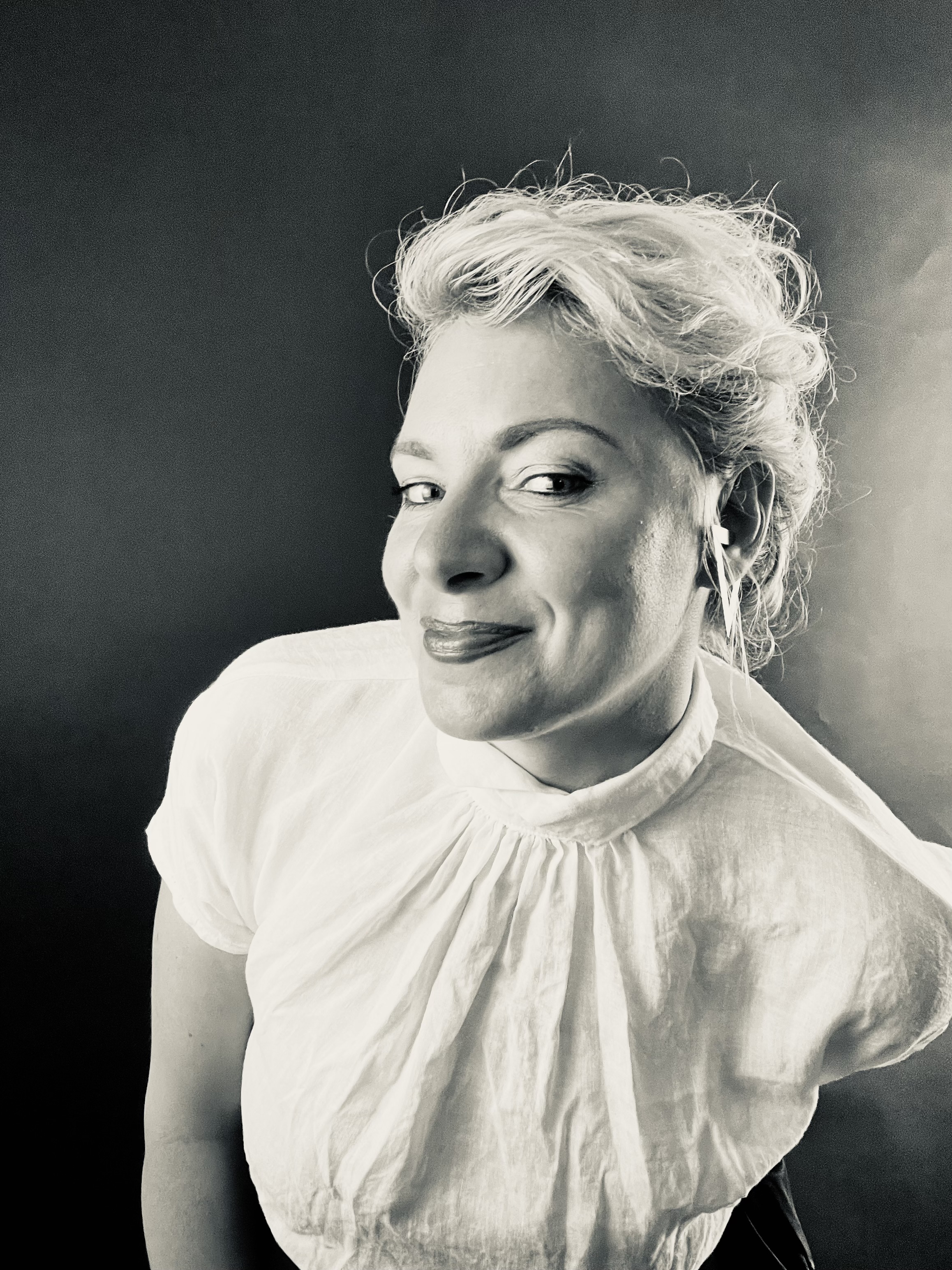
Nina Velimirovic
Space Architect & Urban Designer
Nina is an accomplished space architect and urban designer with over a decade of experience in designing multimodal transit systems and sustainable transportation infrastructure. Experienced in GIS modeling, BIM, and parametric design, she bridges geospatial technologies with human-centered design to create adaptive environments that thrive in extreme conditions.
Passionate about space urbanism and orbital infrastructure, Nina explores how satellite communications, space robotics, and planetary exploration can inform resilient habitat designs for extraterrestrial living while advancing sustainable development on Earth.
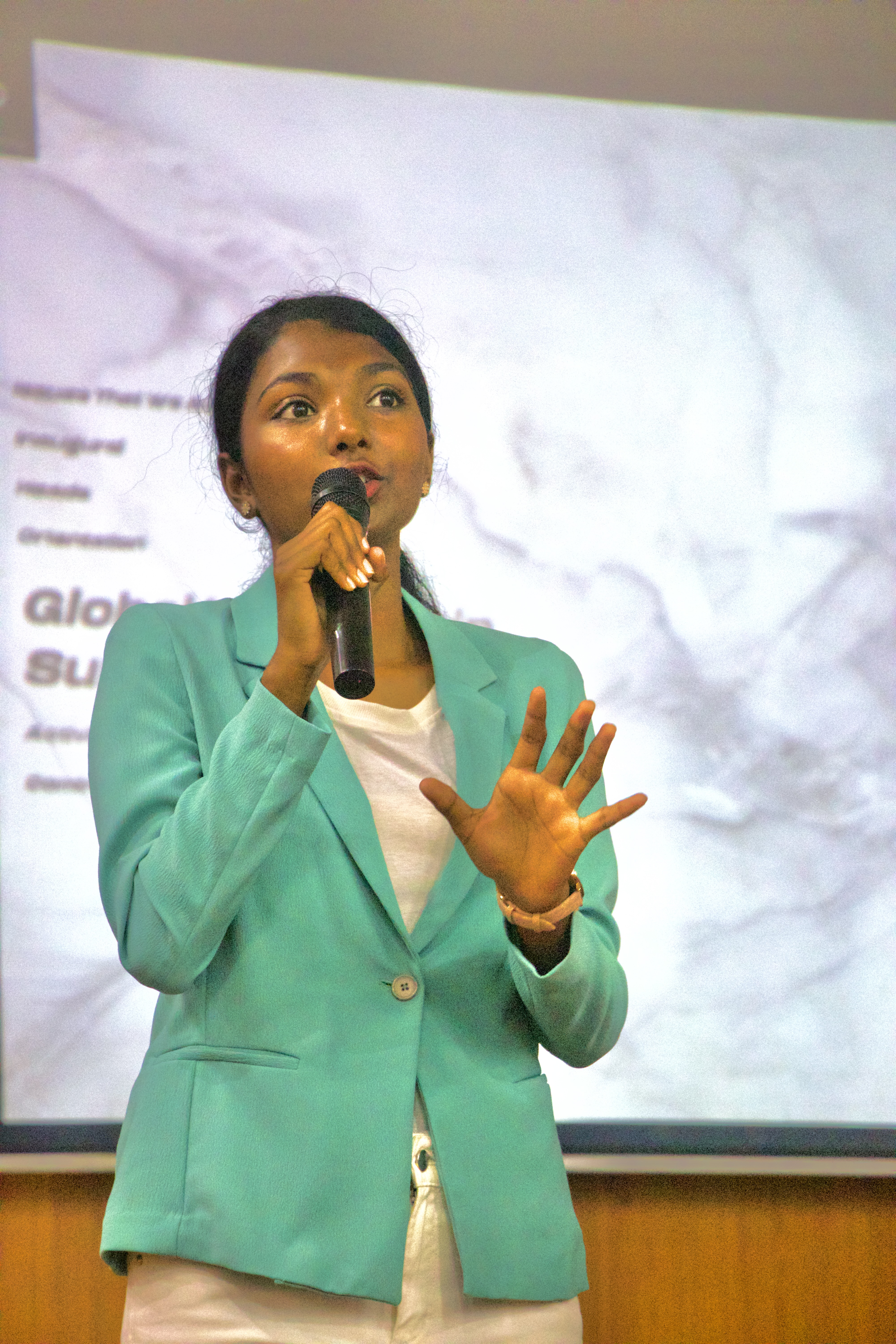
Sri Varshini Budi
Space & Earth Observation Researcher
Sri Varshini Budi is a Space & Earth Observation Researcher with a background in Geoinformatics, specializing in remote sensing, GIS, and satellite data–driven analysis. She has interned at the Indian Space Research Organisation (ISRO), working with Earth observation and atmospheric datasets using ArcGIS, QGIS, and Google Earth Engine.
As Women in Aerospace–Europe Regional Network Leader for Strasbourg and Founder of Girl Up AU, she cultivates spaces for mentorship, visibility, and momentum, guided by the belief that her true north remains: women rising together.
Continue Your Journey
Storytelling is a lifelong skill. Connect with the global community of map-makers and keep honing your craft.
ESRI Resource Hub
The central library for tutorials, webinars, and lesson plans. Constantly updated with the latest features and best practices.
Explore Hub →Getting Started Guide
The official handbook for new authors. Keep this bookmarked as your go-to reference for builder mechanics.
Read Guide →Community Forums
Stuck? Join the conversation with thousands of other storytellers and ESRI experts in the community forums.
Join Discussion →
 Continue Your Learning with Advanced Studies at ISU
Take your storymapping skills to the next level with our intensive coding-focused curriculum.
This two-week intensive course goes deep into the coding aspect of storymapping, allowing participants to learn how to make interactive web dashboards that communicate about Climate change, biodiversity loss, and environmental degradation.
Satellite imagery and Earth observation data offer unprecedented opportunities to monitor, analyze, and communicate these challenges – but only if we can make this data accessible and actionable. This course teaches you how to build interactive web-based dashboards that transform complex satellite data into clear, compelling visualizations.
Register for AS26 Web Development →What You'll Achieve:
- Frontend Mastery: Gain hands-on experience with modern web development frameworks.
- Geospatial Dashboards: Learn to build and deploy functional monitoring applications.
- Satellite Analytics: Process and visualize Earth observation data for real-world impact.
- Portfolio Impact: Develop a tangible project demonstrating both technical skill and sustainability impact.